

It starts with your touch
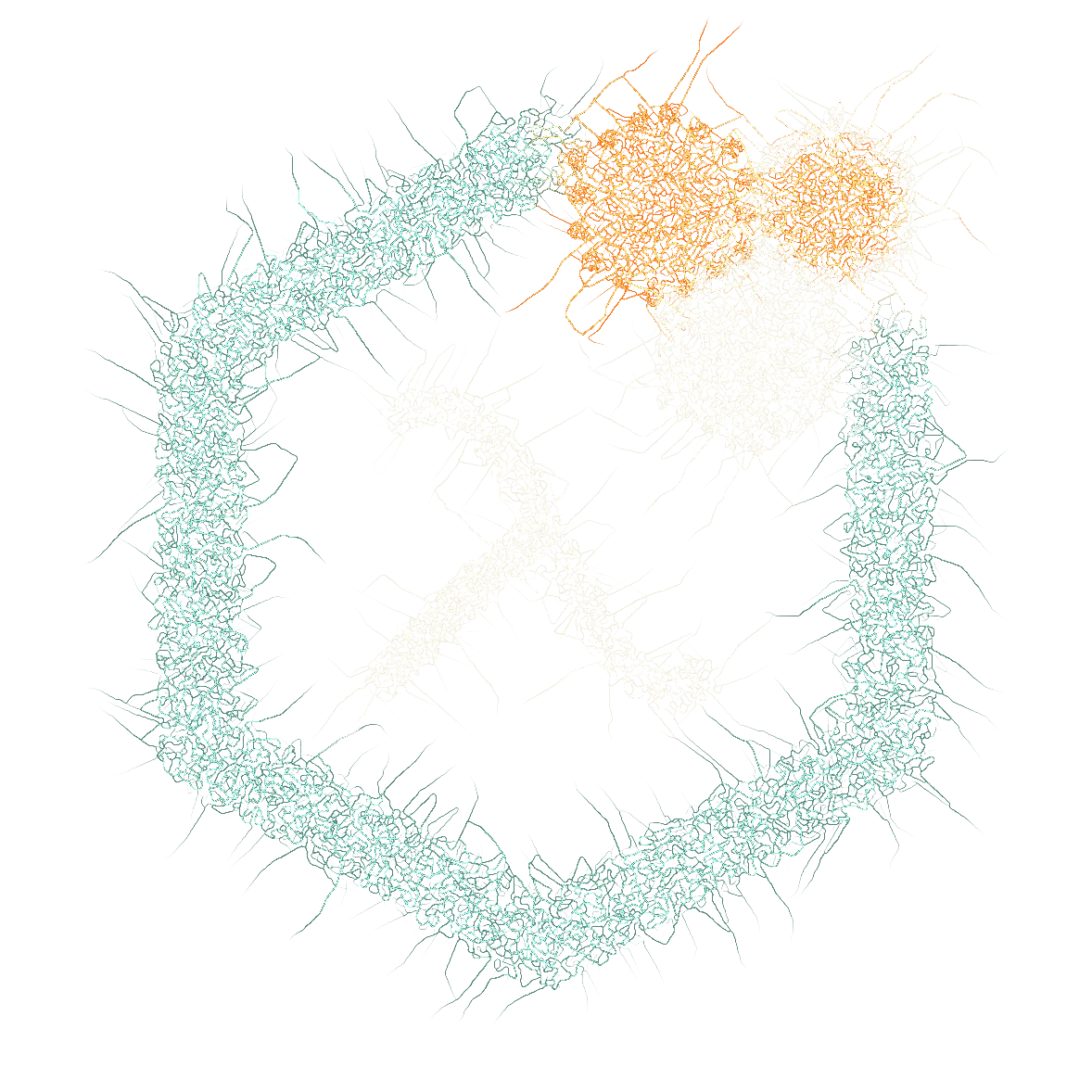
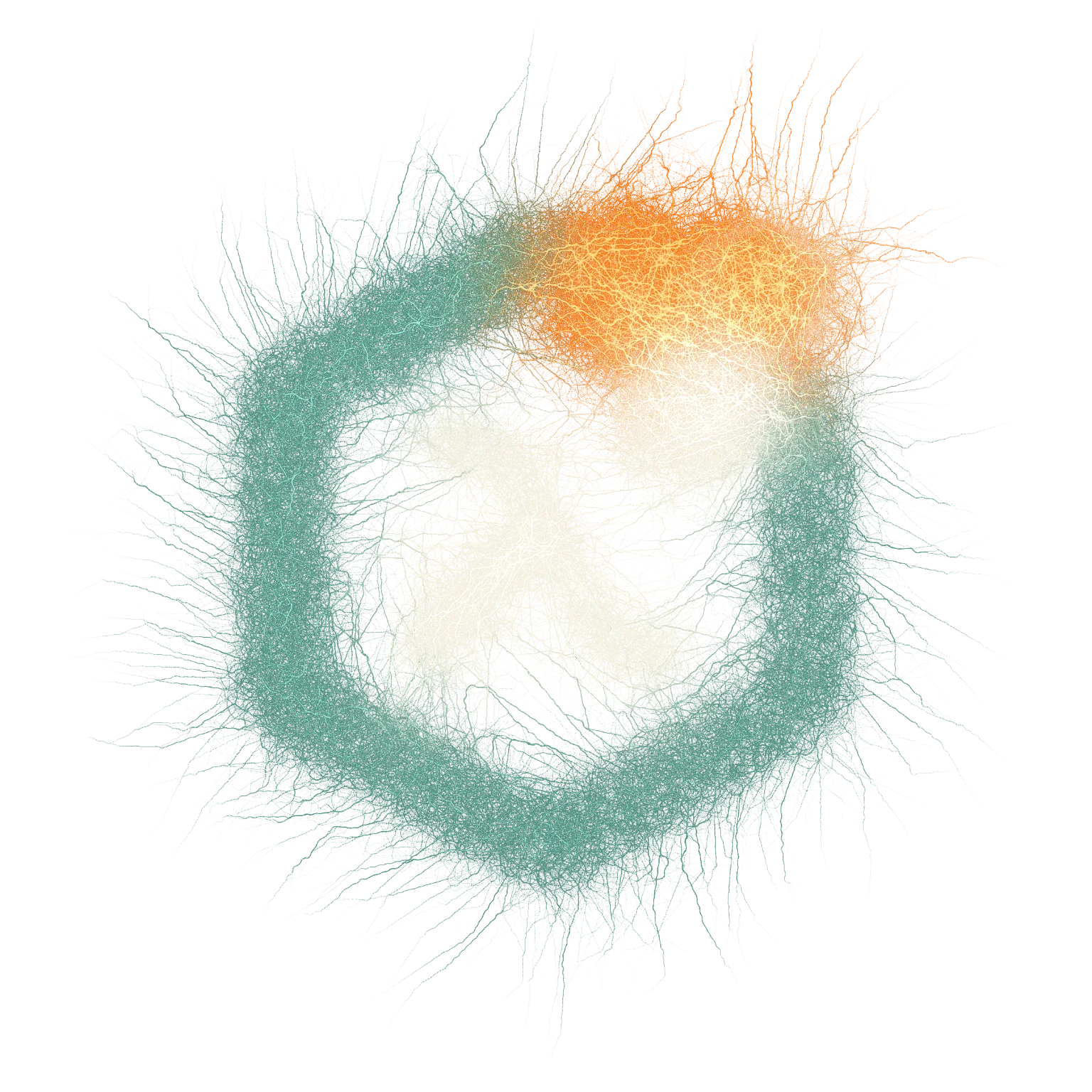
Draw a stroke and watch it branch, bloom or weave across the canvas. Explore growth inspired by nature, then make it your own with colors, layers and DNA controls.
by scientists · for everyone
specimen library
how it works
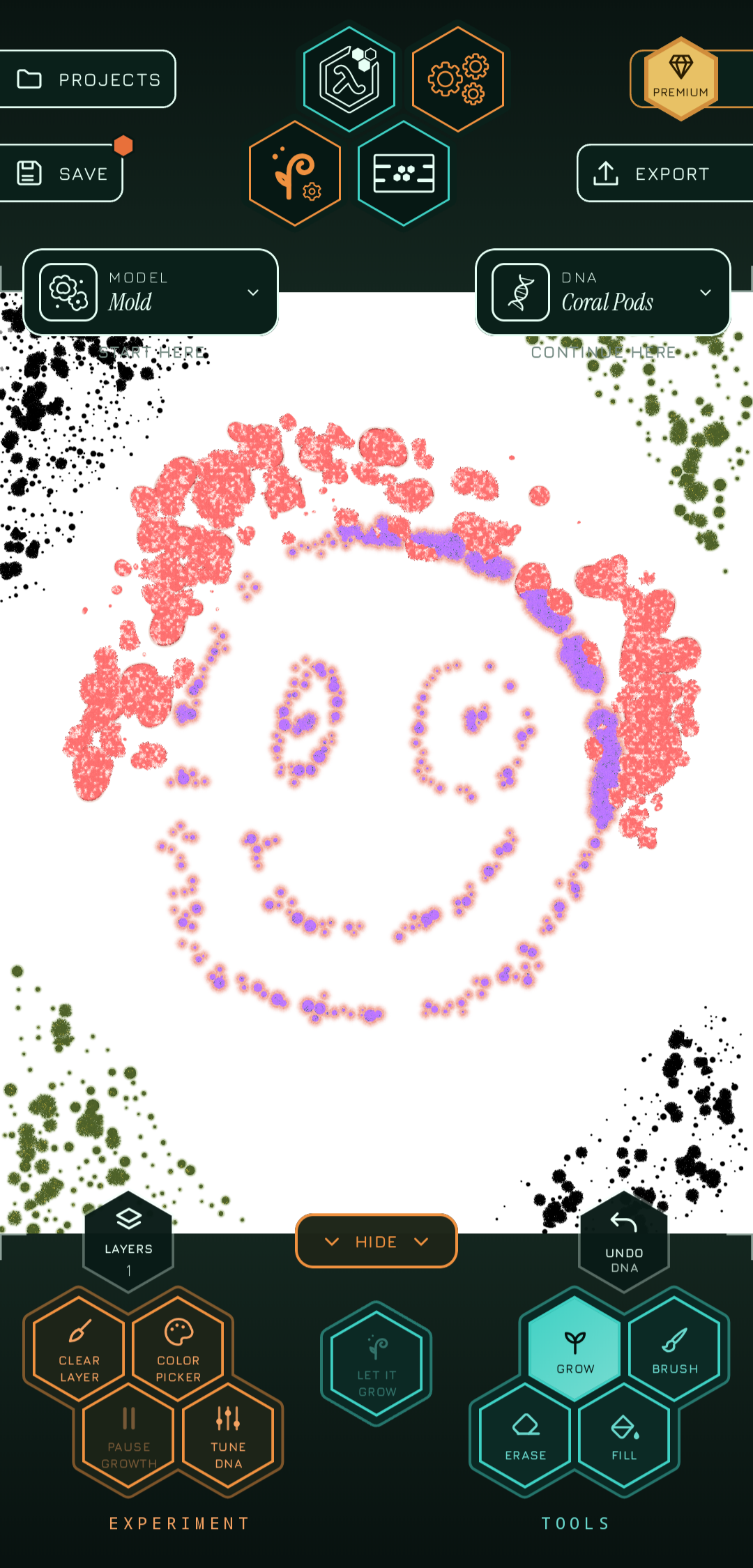
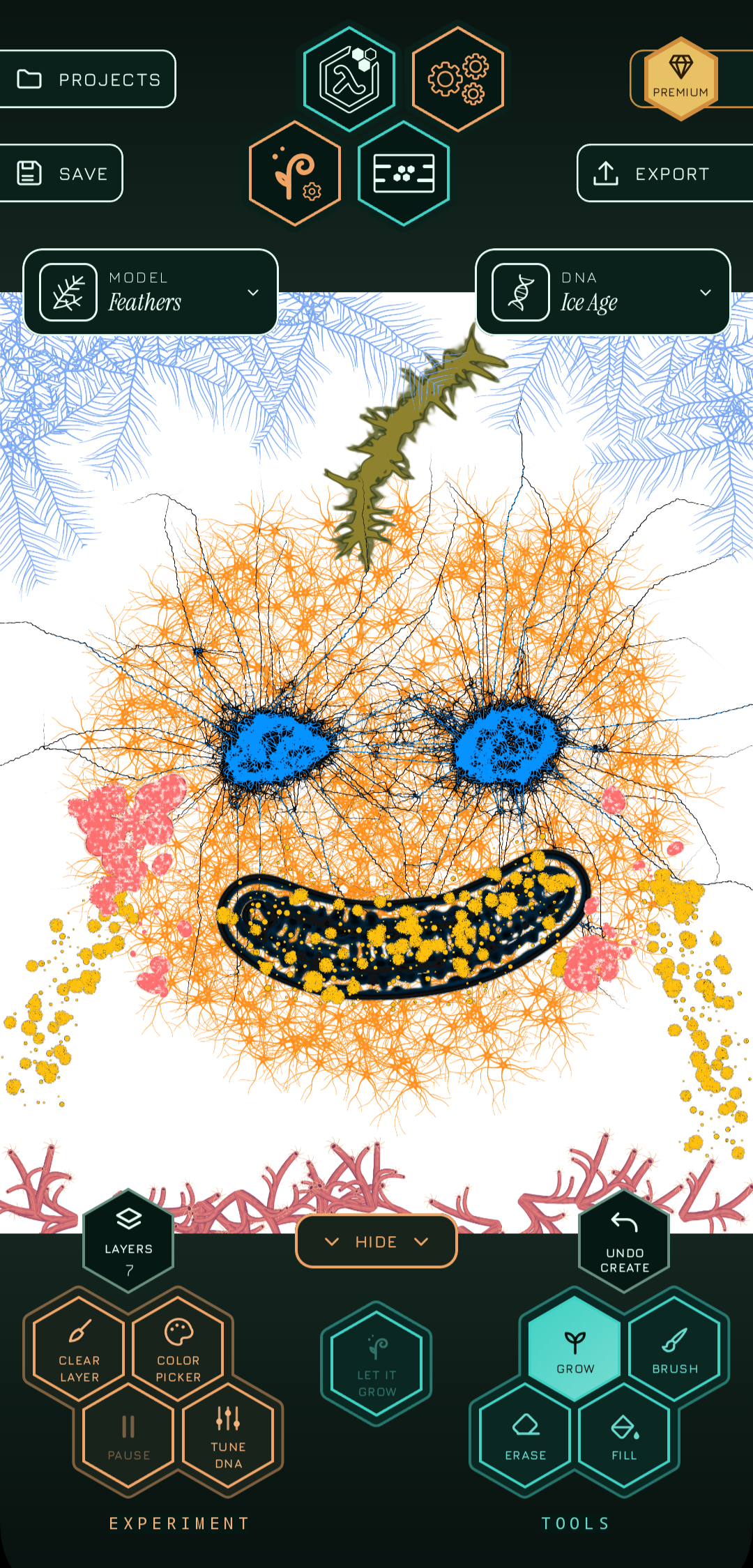
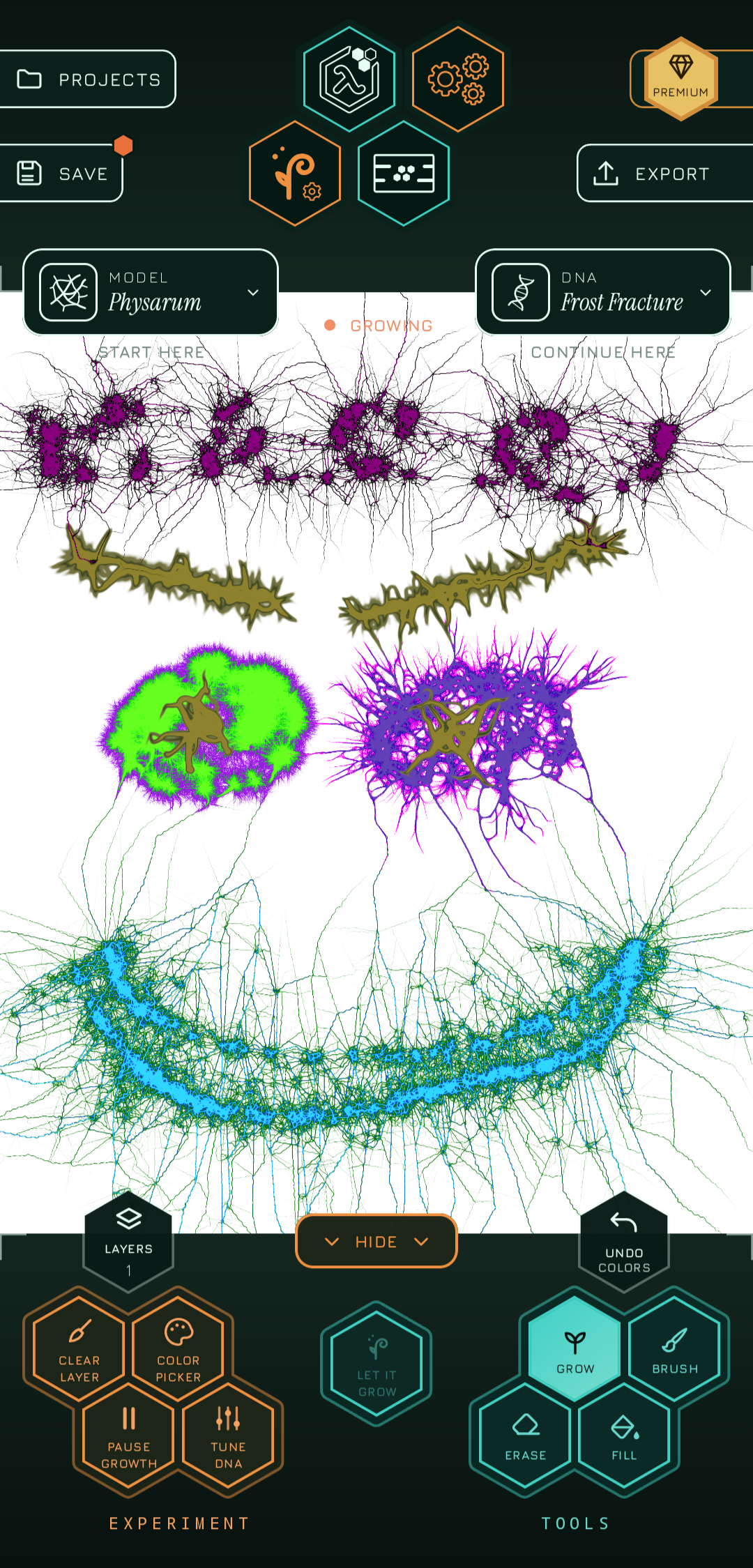
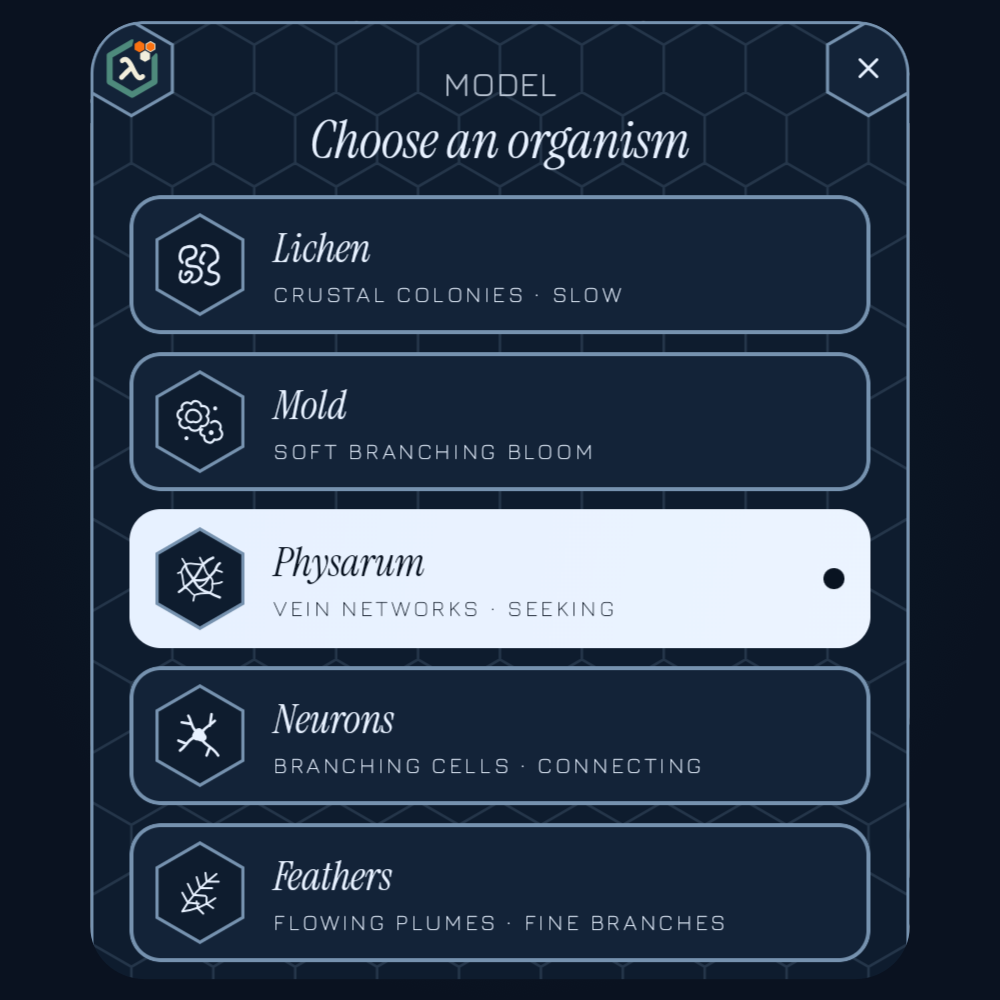
Veins, networks, coral, labyrinths — each species grows its own way.
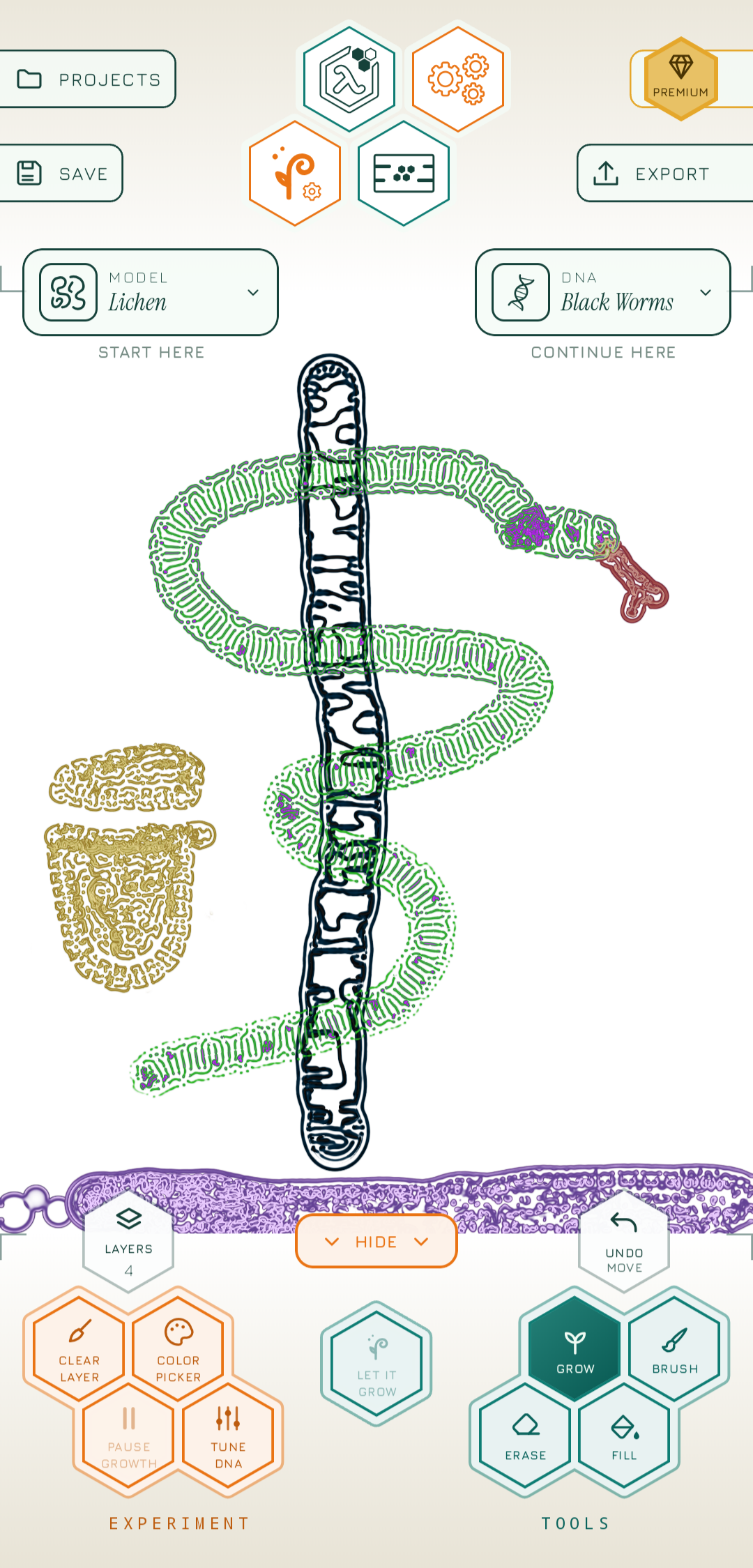
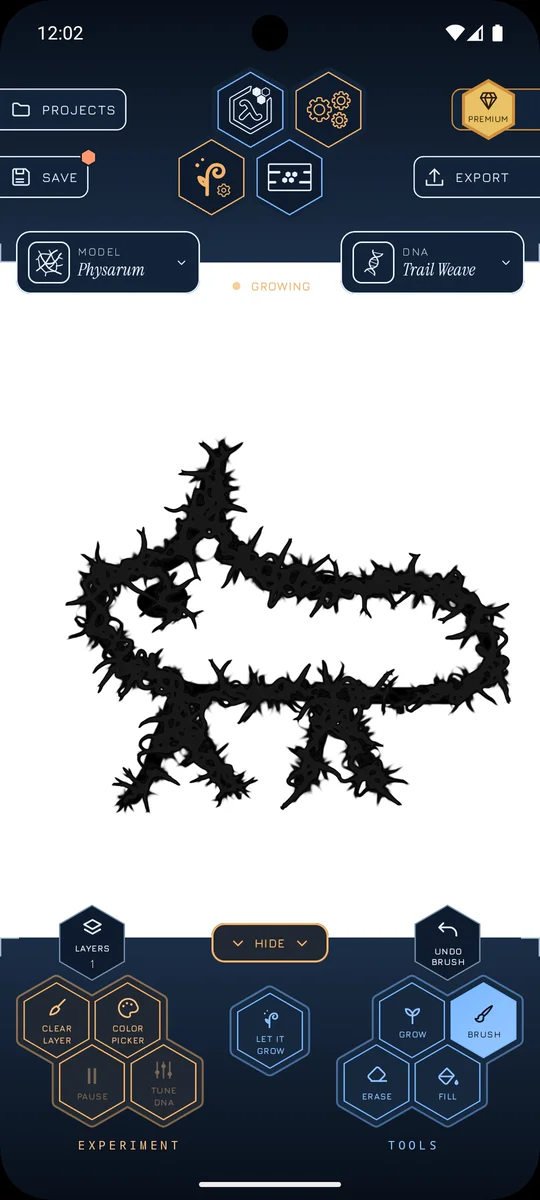
Your finger, a brush, a line. Nothing to learn.

Living texture takes over your stroke — in your colors, in seconds.
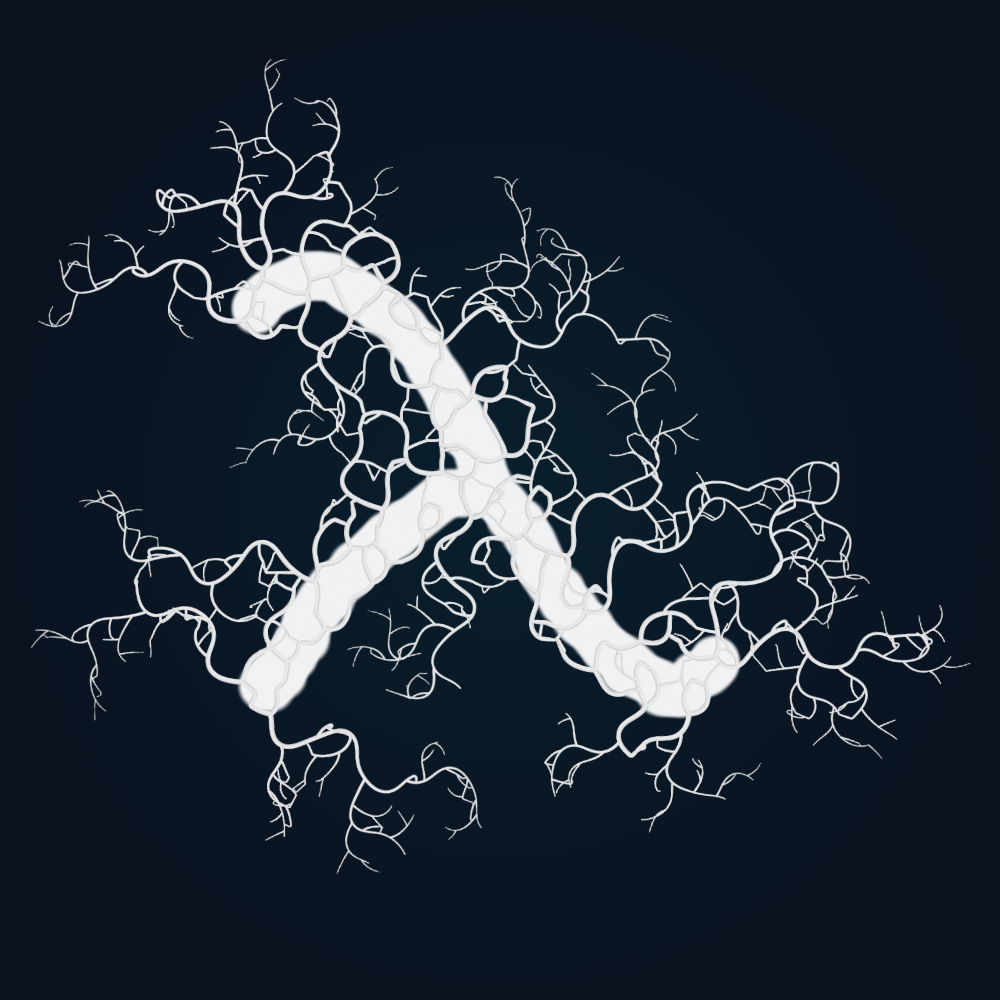
Export it, share it, print it.
three pillars
For your creativity, your work and your time.
Draw a stroke and watch it branch, bloom or weave across the canvas. Explore growth inspired by nature, then make it your own with colors, layers and DNA controls.
Save projects on your device and pick up where you left off. Share, print or sell your creations, in Free or Premium, without needing to credit PyxiGrow.
Start creating for free, with no PyxiGrow account to set up. A single Premium purchase unlocks more models, layers and creative controls. Sending crash reports is your choice.
questions
PyxiGrow is a creative Android app that turns your strokes into growing, nature-inspired patterns. Choose a model, explore its presets, and combine organic growth with brushes, colors and layers. The patterns develop through mathematical simulations running on your device.
PyxiGrow is free to download and use, with no ads. Premium is an optional one-time purchase, with no subscription or recurring fees. Your local price is shown in the app before you buy.
Free includes four model families: Lichen, Mold, Physarum and Neurons. You get built-in DNA presets, two drawing layers plus a background, two adjustable DNA controls per available model family, and one saved custom DNA preset per available family. You can save projects and export unlimited PNG images. Your first three exports are watermark-free; later exports include a watermark.
Premium adds Feathers, Bloom, Mycelium and Coral, giving you all eight model families. It also unlocks all creative DNA controls, up to nine drawing layers plus a background, unlimited saved custom DNA presets, and unlimited watermark-free PNG exports. Premium also adds the “Finish instantly” option for completing growth when switching models.
PyxiGrow supports compatible Android phones and tablets running Android 10 or later, with OpenGL ES 3.0 support. Check the Google Play listing to see whether your device is compatible. There is currently no iOS, desktop or browser version.
DNA presets are collections of settings that shape how a model grows and looks. Start with a built-in preset, adjust the available controls, and save your own variations to use again. You do not need to understand the mathematics behind the models.
“Let it Grow” uses your painted strokes and filled areas as starting points for the selected growth model. You can use the model’s own colors or choose “Painted” to let the growth take its colors from your painting.
Drawing, growth simulations, saving projects and exporting images work offline. An internet connection is needed to purchase, verify or restore Premium. Once Premium has been verified on your installation, you can use its features offline too.
No PyxiGrow account or separate sign-up is required. Premium purchases are handled through your Google Play account.
Yes. Save your project and reopen it from the Projects screen to continue editing. Projects and custom DNA presets are stored on your device; PyxiGrow does not provide cloud project synchronization. Uninstalling the app or clearing its data can remove these local files.
Open Export to save a PNG image at your project’s full canvas resolution. You can keep the canvas background or choose a transparent background. Images are saved to Pictures/PyxiGrow on your device, ready to share or use in other apps.
Connect to the internet and use the same Google Play account you purchased with. Open PyxiGrow; it normally restores Premium automatically. If it still shows Free, open the Premium screen and tap “Restore purchases” to check again. Restoring an existing valid purchase does not charge you again. This also applies after reinstalling or moving to another compatible Android device. Google Play help
PyxiGrow does not automatically upload your artwork, projects or custom DNA presets. Online services are used to verify Premium purchases, and optional diagnostic reporting helps investigate crashes. Android backup and any gallery or sharing services you use may handle copies separately. See our Privacy Policy for details.
Yes. You may use artwork you create with PyxiGrow for personal and commercial projects, in both Free and Premium. No additional permission or attribution to PyxiGrow is required.
Email support@pyxigrow.app with a description of the issue. Including your device model, Android version and PyxiGrow app version helps us investigate. You can find the app version in About. Feedback and feature suggestions are welcome too.
pyxigrow for android
Free to try. Unlock everything once — no subscription.